
Localization is more than replacing an English headline. Text length, line breaks, reading direction, cultural context, and the interface shown inside the device can all change by market.
Design the source layout for expansion
Leave extra width and height around headlines, avoid locking important copy into one line, and keep decorative elements away from the text area. A flexible source template reduces manual repairs when a translation is longer than the original.
Use the product language users will see
If the app itself is localized, capture the matching interface for each market. A translated headline paired with an English-only product screen can feel incomplete and may confuse the audience.
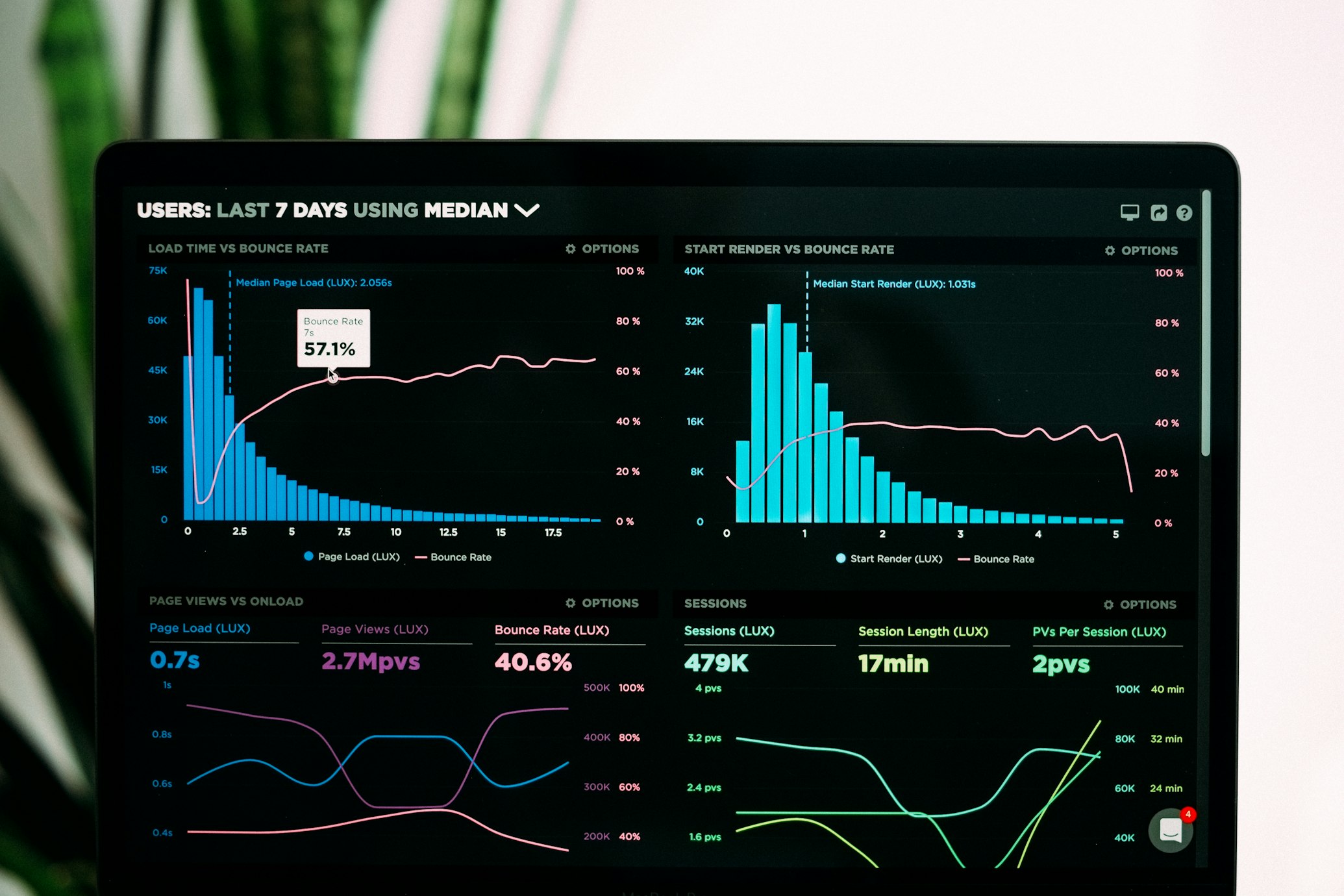
Localization review checklist
- Ask a native speaker to review meaning, tone, and line breaks.
- Check right-to-left layouts separately where applicable.
- Confirm that text does not collide with frames or crop edges.
- Use market-appropriate screenshots, dates, prices, and units.
- Export and label each locale consistently before upload.
Choose a reusable starting point from the screenshot template library, then duplicate and adapt the layout for each locale.